
Videography Invoice Template: Free, Production and Rights
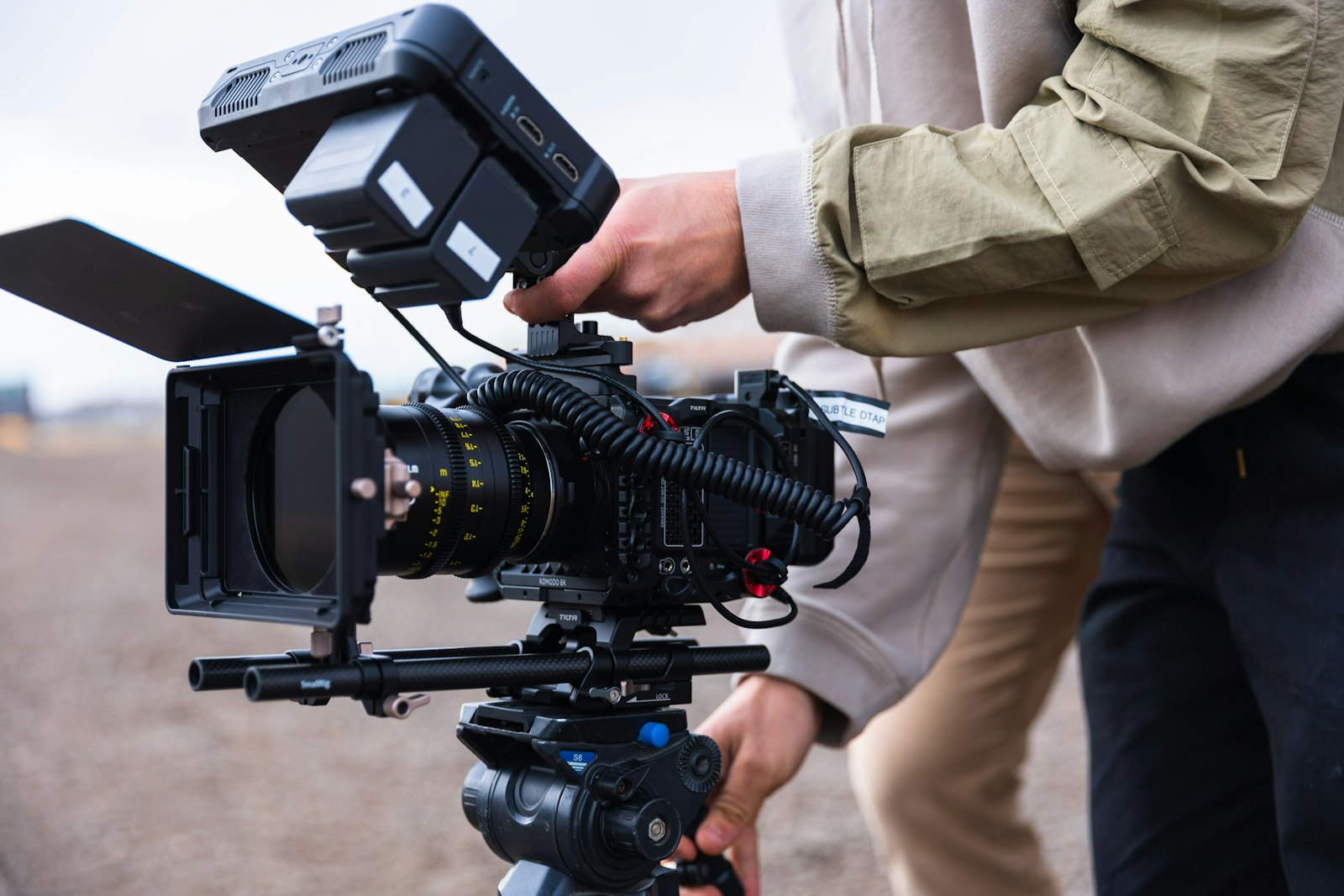
Video work is a project, not a single transaction. A finished film is the end of a chain that runs through pre-production, the shoot, and a long stretch of editing. Each stage costs you time and money before the client sees anything, so the invoice has to bill in stages, hold deposits, cap revisions, and licence the final footage. Get this right and your cash flow tracks the project. Get it wrong and you are editing for free at 2am while waiting on a payment that may never come.
This guide covers how to invoice for videography: the three production stages, day rates, deposits and milestones, revisions, usage rights, and a sample video invoice you can copy. It works for wedding, corporate, event, and commercial videographers.
What a videography invoice must include
A videography invoice needs the standard fields plus a few specific to staged production work:
- Your business name, address, contact, and tax number where registered
- The client's name and the project title
- A unique invoice number, issue date, and a clear due date
- The stage or milestone being billed
- Itemised work: pre-production, shoot days, editing, extras like drone or motion graphics
- Deliverables: format, length, number of versions
- Revisions included and the rate beyond them
- Usage / licensing terms for the final video
- Any deposit or previous payments, subtotal, tax, and balance due
The revisions and licensing lines are what stop scope creep and usage disputes. For the full anatomy of an invoice, see our invoice format and layout guide.
Bill in stages: deposit, shoot, delivery
Because video front-loads your costs and time, almost every project above a single day should bill in milestones:
- Deposit (often 30 to 50 percent). Taken on booking, before pre-production starts. It covers your planning time and secures the shoot dates.
- Shoot / production milestone. Billed on or just after the shoot days, sometimes folded into the deposit for smaller jobs.
- Final payment on delivery. The balance, due before you hand over the final high-resolution files.
Releasing the final files only on full payment is standard and reasonable, the same way photographers release images on payment. It is your single strongest leverage point. For more on staged and milestone billing, see our contractor invoice guide and payment terms guide.
Sample videography invoice
Here is a corporate video invoice showing the deposit already taken.
| Description | Qty | Unit price | Amount |
|---|---|---|---|
| Pre-production (planning, scripting, scheduling) | 1 | $400.00 | $400.00 |
| Filming day (10 hours, full kit) | 1 | $1,200.00 | $1,200.00 |
| Editing (2-3 min film, 2 revisions) | 1 | $900.00 | $900.00 |
| Drone footage | 1 | $300.00 | $300.00 |
| Subtotal | $2,800.00 | ||
| Tax (GST 10%) | $280.00 | ||
| Total | $3,080.00 | ||
| Less deposit paid | -$1,232.00 | ||
| Balance due on delivery | $1,848.00 |
Each production stage is its own line, the included revisions are stated, and the balance is clearly tied to delivery. A usage note would sit below: "Licence: client web and social channels, perpetual; broadcast or paid-ad use quoted separately."
Revisions: where projects bleed money
Editing is where unmanaged projects lose money. A client who can ask for unlimited changes will, and each round costs you hours. Protect yourself on the invoice and in the quote:
- State how many revision rounds are included (two is common). Put it on the editing line.
- Set a clear rate for extra rounds, for example "additional revisions billed at $75/hour".
- Define what a revision is: tweaks to an existing cut, not a new concept or re-shoot.
This single practice does more for video profitability than any rate increase. Clients respect clear boundaries, and the ones who plan their feedback stay inside the included rounds. Scope creep is a top entry in our common invoice mistakes guide.
Usage rights and licensing
The same footage is worth very different amounts depending on how it is used:
- Organic / owned channels. The client posts to their own website and social. Usually included or a modest licence.
- Paid advertising or broadcast. The video runs as paid media or on TV, so it earns the client money and commands a higher licence, scoped by platform, territory, and duration.
- Buyout. The client wants full ownership or exclusivity, which costs significantly more.
Name the licence on the invoice. "Web and social, perpetual; paid-ad and broadcast quoted separately" protects you and turns the next ad campaign into a paid renewal rather than an assumed freebie.
Tax for videographers
Tax depends on registration and location:
- In the UK, charge VAT (20 percent) once VAT registered.
- In Australia, register for GST (10 percent) at A$75,000 turnover and quote your ABN on every invoice.
- In the US, taxability of video production varies by state, so check your local rules.
Only charge tax you are registered to collect, show it on its own line, and put your tax number on the invoice. For more on creative billing, see our freelance invoice template guide.
Day rate vs project fee
Two ways to price a video job, and each reads differently on the invoice:
- Day rate. Good for shoots where the scope is clear and the client just needs your time and kit. Show shoot days and your rate, with editing and extras as separate lines. Transparent, but it caps your upside on a high-value film.
- Project fee. A single agreed price for the whole deliverable, regardless of exact hours. Better for branded films where the value is the finished result, not the time spent. Break it into pre-production, production, and post lines so the client sees the scope, but bill the agreed total.
For most corporate and commercial work, a project fee with staged milestones earns more and protects you from a client trying to shave hours off a day rate. Quote the full project, take the deposit, and let the milestones carry your cash flow.
Common videography invoice mistakes
- No deposit, so you fund pre-production and shoot costs yourself.
- Unlimited revisions, which turn a profitable edit into unpaid overtime.
- No usage terms, leading to a client running your film as a paid ad for free.
- Releasing final files before full payment, removing your only leverage.
- Sending editable files. Always send a PDF.
Make a videography invoice in 60 seconds
You do not need production software to bill professionally. Invoicara's free invoice generator lets you itemise pre-production, shoot days, editing, and extras, apply a deposit, note your revision limit and licence, and export a clean PDF. No sign-up, no watermark, free forever.
For related creative work, see our photography invoice guide and freelance invoice template guide. For the basics, our complete guide on how to make an invoice covers every field. Bill in stages, cap your revisions, licence the final video, and your production business gets paid for the whole project, not just the parts the client remembers.